
Overview
Panorama Effect ( PanoEffect ) refers to playing certain effects while in Realsee's 3D panorama walkthrough mode.
Info
Currently only the length-measurement effect is supported. For example, you can annotate the width of a window while in panorama walkthrough mode.
Preview
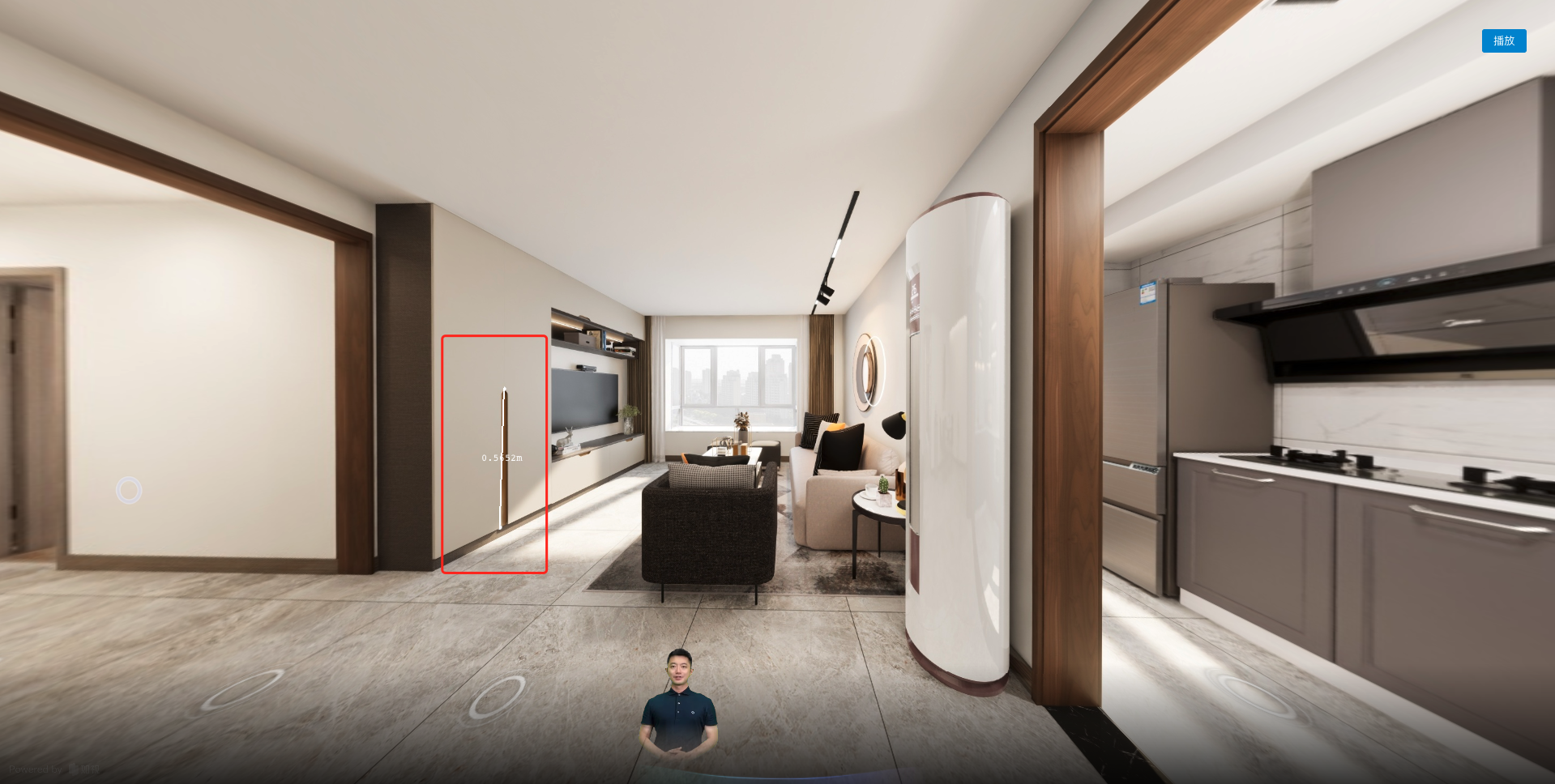
Field Reference
effect: The panorama effect type. Its type is the enum PanoEffectEnum.PanoEffectEnum.Distance: The distance between two points.
twoVertexs: An array of the 3D coordinates of two points in space.
Info
For detailed parameter types, see the Vreo API documentation.
{
  "uuid": "cbd4326c-3cb1-411e-348a-55a6fa42d6d0",
  "type": "PanoEffect",
  "start": 3578,
  "end": 25939,
  "parsed": false,
  "data": {
    "twoVertexs": [
      {
        "x": -3.216338116298317,
        "y": 1.221307932920801,
        "z": -3.991326093673706
      },
      {
        "x": -3.178751302976147,
        "y": 0.09148991767376025,
        "z": -3.991326093673706
      }
    ],
    "effect": "Distance"
  }
}