
Build the future of every space with Realsee.
Render captured spaces, reconstruct 3D scenes, and connect spatial data with Five SDK, OpenAPI, and Argus.
Platform capabilities
Render
Five SDK
Render captured spaces in the browser with Five SDK.
Extend
Dnalogel / Vreo / Live
Add spatial interfaces, guided experiences, and live co-viewing to a Five SDK scene.
Connect
OpenAPI
Connect spatial data and product workflows through Realsee OpenAPI.
Argus gateway
Explore Realsee's 3D Vision Foundation Model for reconstructing spatial structure from imagery.
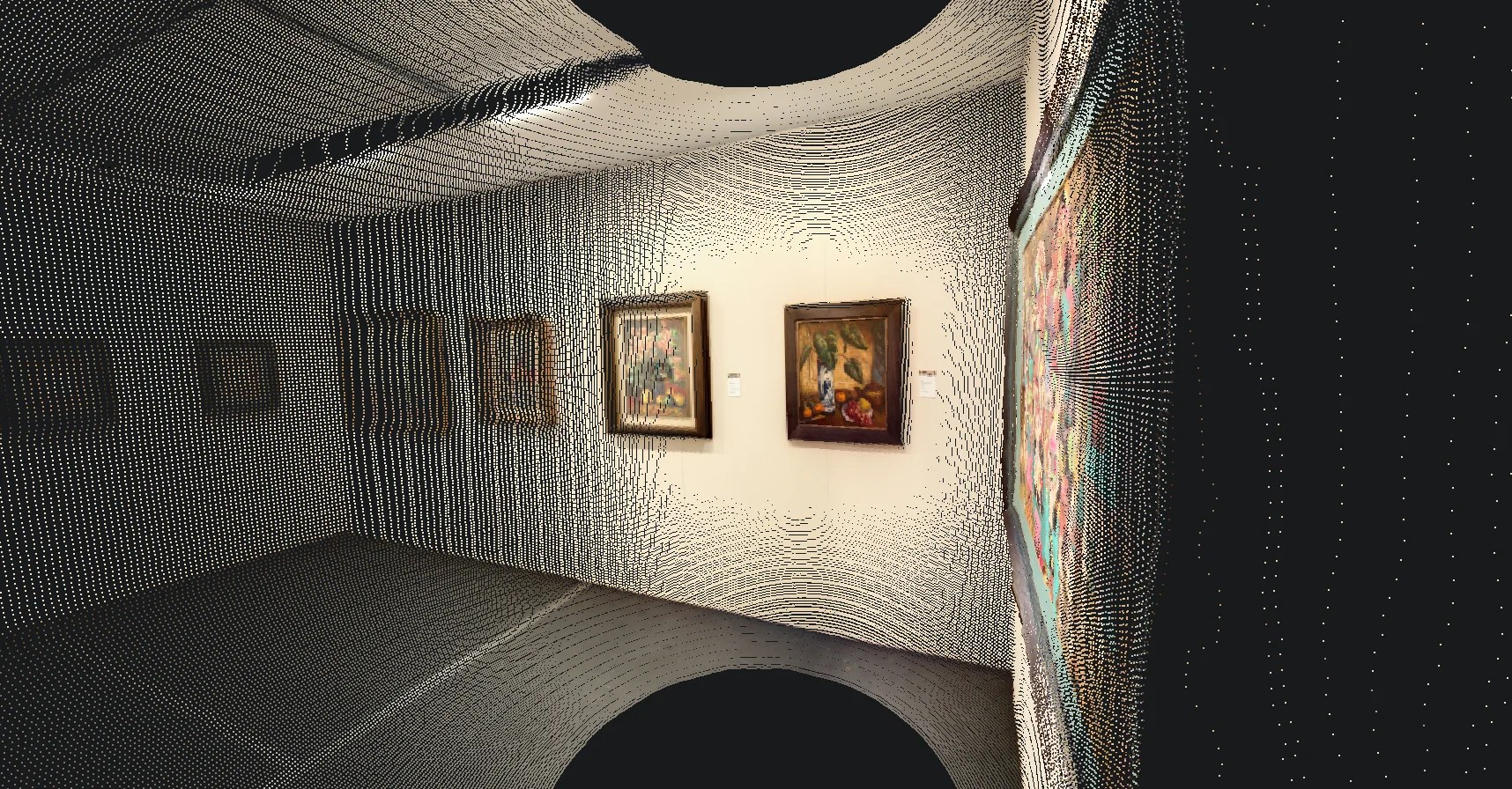
Five SDK demo
Explore a sample scene without creating an app. Drag to look around and select the floor to move through the space.
Loading the Five SDK demo scene.
Start building with Realsee.
Create an app, get your credentials, and make your first request. Every new app includes a 14-day trial.
Sign in and choose your Team
Use Realsee Passport and confirm the Team that will own the integration.
Create your app
Name your app and confirm your contact details. Each Team can have up to three apps.
Get your credentials
Your app is created automatically. The completed request links directly to its access key.
Integrate server-side OpenAPI
Use the Developer app credentials only from your server to connect Realsee OpenAPI.
Explore the public Five Demo before creating an app. Use your own app credentials when you connect real Team data.