
Overview
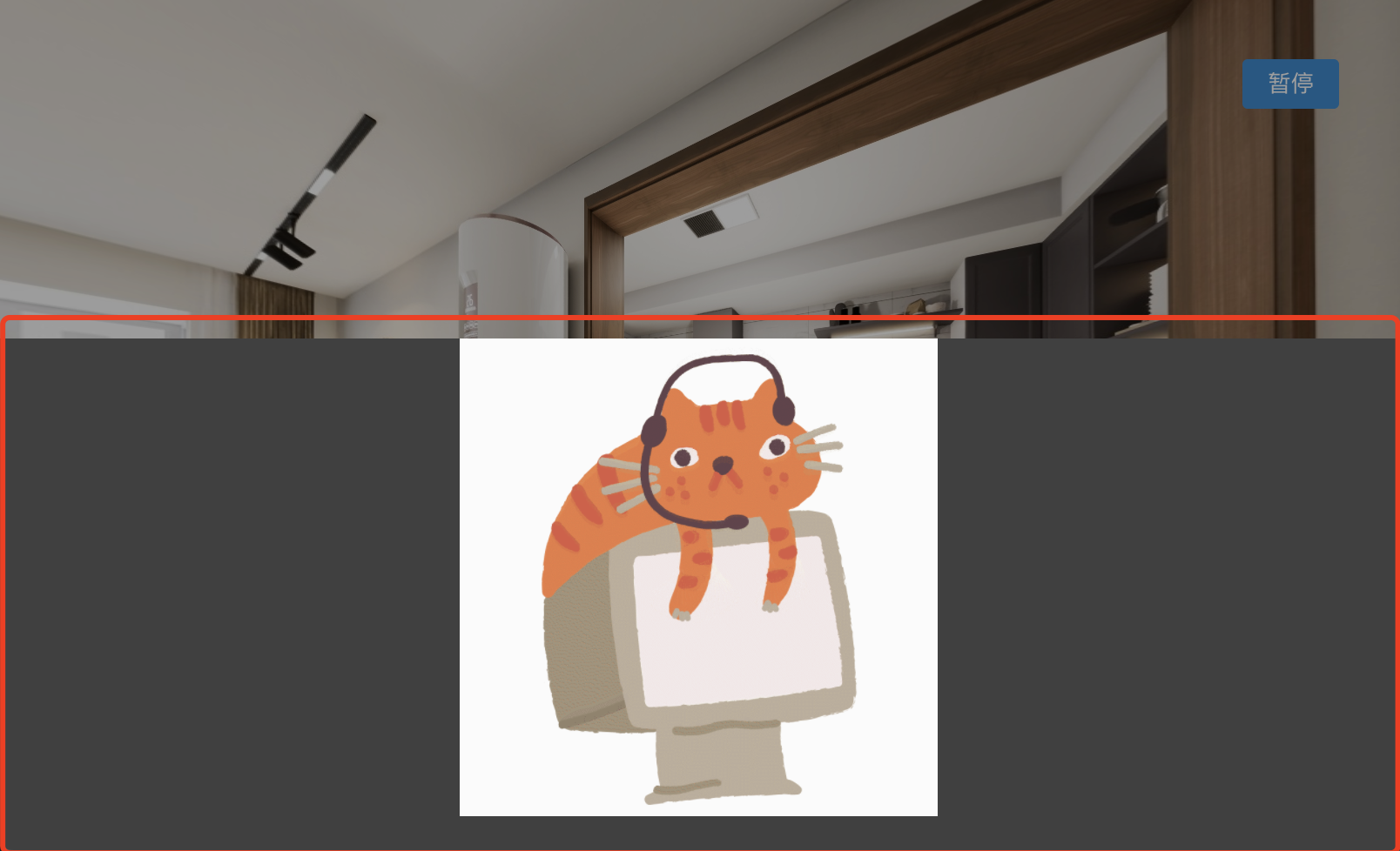
The Info Panel (InfoPanel) provides the ability to present media content such as images, audio, and video in panel form. Its built-in styles can be overridden.
Preview
Usage Notes
You can use the Info Panel feature whenever you need it.
If you want to customize the panel's appearance, you must override the original styles yourself.
Field Reference
{
  "uuid": "94a3e6c6-096c-46b6-9713-5f635f679a04",
  "type": "InfoPanel",
  "start": 3783,
  "end": 6700,
  "parsed": false,
  "data": InfoPanelData
}// Panel content type
export enum InfoPanelTypeEnum {
Image = "Image",
Video = "Video",
}
// Panel entrance animation
export enum InfoPanelStyleEnum {
Drawer = "Drawer",
PopUp = "PopUp",
}
export type InfoPanelData = {
type: InfoPanelTypeEnum;
style?: InfoPanelStyleEnum;
url: string;
title?: string; // Title
subTitle?: string; // Subtitle
};